



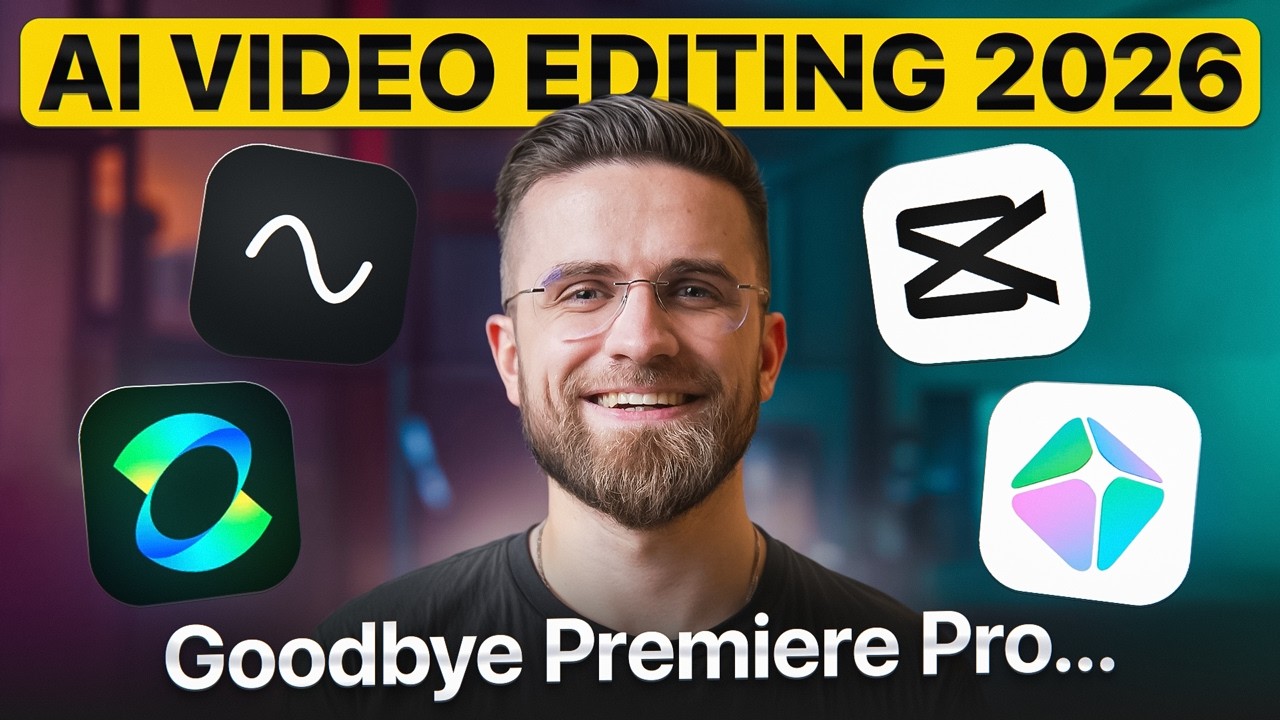
Introduction: The Rise of AI-Powered Video Editing
Video creation has become faster and more accessible with the introduction of artificial intelligence. Whether you are a content creator, marketer, filmmaker, or business owner, AI video editing tools can help automate time-consuming tasks such as cutting clips, adding captions, improving audio, generating effects, and creating complete videos from simple prompts.
With dozens of platforms available, choosing the right software can be challenging. This AI Video Editor Comparison: Top Tools Reviewed and Ranked guide explores the leading AI video editors, their features, strengths, and limitations to help you find the best solution for your creative needs.
What Makes an AI Video Editor Stand Out?
Before comparing different tools, it is important to understand the features that define a high-quality AI video editor. The best platforms usually offer a combination of automation, creativity, and ease of use.
Key Features to Consider
AI-Powered Automation
Modern AI editors can automatically identify important moments, remove unnecessary footage, create highlights, and suggest improvements. These features save hours of manual editing.
Text-to-Video Generation
Many advanced tools allow users to convert written scripts into videos by generating visuals, voiceovers, and animations automatically.
Smart Audio Enhancement
AI technology can remove background noise, improve voice clarity, and balance audio levels without requiring professional sound-editing skills.
Automatic Captions and Translations
For social media creators, automatic subtitles and multilingual translation features are essential for reaching wider audiences.
Top AI Video Editing Tools Reviewed and Ranked
1. Adobe Premiere Pro with AI Features — Best for Professionals
Adobe Premiere Pro remains one of the most powerful video editing solutions for professional creators. Its AI-powered features help with tasks like scene detection, color adjustments, audio improvements, and workflow automation.
Pros:
- Professional-grade editing capabilities
- Advanced AI-assisted features
- Excellent support for large projects
- Extensive creative control
Cons:
- Steeper learning curve
- Requires a subscription
- More suitable for experienced editors
Adobe Premiere Pro is ideal for filmmakers, agencies, and professionals who need maximum control over their projects.
2. Runway — Best for AI Video Generation
Runway has gained popularity for its advanced generative AI capabilities. It allows users to create and modify videos using text prompts, remove backgrounds, generate visual effects, and transform existing footage.
Pros:
- Powerful AI generation features
- Creative effects and transformations
- User-friendly interface
Cons:
- Some advanced features require higher plans
- AI-generated results may need refinement
Runway is especially useful for creators who want to experiment with AI-driven storytelling and visual effects.
3. Descript — Best for Podcast and Talking-Head Videos
Descript offers a unique approach by allowing users to edit videos through text transcripts. Removing words from a transcript automatically removes them from the video.
Pros:
- Excellent transcription accuracy
- Simple editing process
- Great for interviews and podcasts
- AI voice tools available
Cons:
- Limited advanced visual effects
- Less suitable for cinematic projects
Descript is a strong choice for educators, podcasters, and online creators who focus on dialogue-based content.
4. Canva Video Editor — Best for Beginners
Canva provides an easy-to-use video editing experience with AI-powered templates, animations, and design suggestions.
Pros:
- Beginner-friendly interface
- Large template library
- Great for social media content
- Affordable options
Cons:
- Limited professional editing controls
- Not designed for complex productions
Canva works well for businesses, marketers, and beginners who need quick and attractive videos.
5. CapCut — Best for Social Media Creators
CapCut has become a popular choice among TikTok, YouTube Shorts, and Instagram creators. It includes AI features such as automatic captions, background removal, effects, and smart editing tools.
Pros:
- Easy to learn
- Mobile-friendly
- Strong social media features
- Many free tools
Cons:
- Less suitable for professional filmmaking
- Advanced users may need more control
CapCut is a practical option for creators who want fast results for short-form content.
AI Video Editor Ranking Table
| Rank | Tool | Best For | Skill Level |
| 1 | Adobe Premiere Pro | Professional editing | Advanced |
| 2 | Runway | AI-generated videos | Intermediate |
| 3 | Descript | Podcasts and tutorials | Beginner to Intermediate |
| 4 | Canva | Marketing videos | Beginner |
| 5 | CapCut | Social media videos | Beginner |
How to Choose the Right AI Video Editor
Selecting the best tool depends on your goals, budget, and editing experience.
For Professional Filmmakers
Choose a platform with advanced controls, timeline editing, color grading, and detailed customization.
For Social Media Creators
Look for fast editing, automatic captions, templates, and mobile-friendly features.
For Businesses and Marketers
AI tools with templates, branding options, and quick content generation are usually the most effective.
For Beginners
Simple interfaces and automated features can help new users create quality videos without technical knowledge.
The Future of AI Video Editing
AI video editing technology continues to evolve rapidly. Future tools are expected to provide more realistic video generation, better personalization, improved storytelling assistance, and deeper automation.
As artificial intelligence becomes more integrated into creative workflows, editors will spend less time on repetitive tasks and more time focusing on ideas, storytelling, and audience engagement.
Conclusion
The best AI video editor depends on what you want to create. Professional users may prefer advanced platforms like Adobe Premiere Pro, while beginners and social media creators may benefit from simpler tools like Canva or CapCut. This AI Video Editor Comparison: Top Tools Reviewed and Ranked shows that every platform has unique advantages, making it easier to select the right tool for your workflow.
Whether you are creating marketing campaigns, educational content, or social media videos, AI-powered editing tools can help you produce high-quality results faster and more efficiently.